


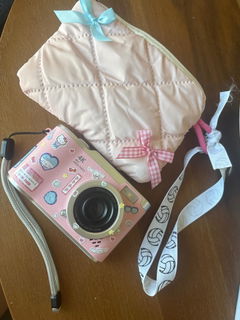
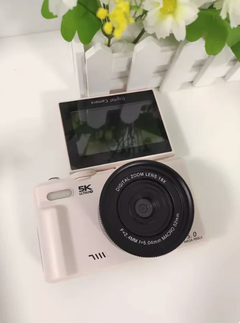
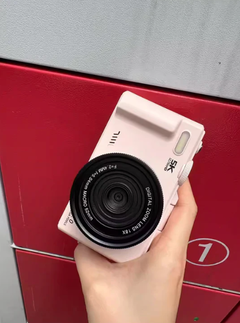
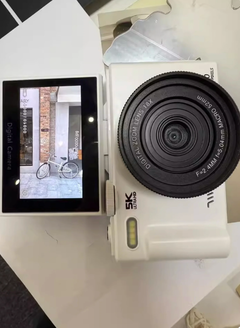
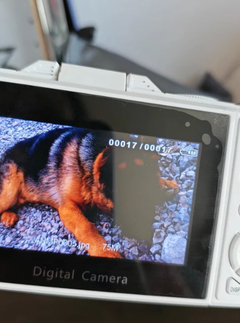
Camera is amazing, YOU CAN CHANGE THE QUALITY AND LANGUAGE. Im calljng out all the bad reviews, because its so easy to change it! Its just in the settings!
8XIST® Instant Digital Camera
8XIST® Instant Digital Camera
✦ Photos & Videos, That's It
✦ Raw & Unfiltered Results
✦ Designed to Disconnect
✦ Instant Wireless Transfer
Couldn't load pickup availability
-

Let them think I'm weird. My phone makes me anxious and I'm more present with a digicam. Actually ENJOY taking photos again.

8XIST® Instant Digital Camera
Regular price
$154.99
Regular price
$154.99
Sale price
$310.00
Unit price
per
Product Details
Product Details
Click and capture nostalgia with every snap using our pocket-sized digi cam, inspired by the early 2000's. No unnecessary features, allowing you to focus solely on capturing the moment.
Stop following the rules, and start having fun! Embrace the soft, film-like images reminiscent of your childhood days.
Featuring: Instant Photo Transfers, Built in Flash, USB-C Charging, 20 Built In Creative Filters, 9 Different Scene Modes Inc: Party, Beach, Night, & Portrait.
What's In The Box
What's In The Box
- Digital Compact Camera
- USB-C Charging Cable
- Wrist Strap
- Manual/Warranty
Shipping & Delivery
Shipping & Delivery
Experience fast and reliable worldwide shipping with our products. Your order will be processed swiftly, and you can expect delivery within 5-10 business days.
60 Day Money Back Guarantee
60 Day Money Back Guarantee
Your trust means everything to us. We're confident you'll love out products. But if you're not 100% satisfied, we've got you covered. Simply return your purchase within 60 days for a full refund!


Satisfaction Guaranteed
Your trust means everything to us. We're confident you'll love our products. But if you're not 100% satisfied, we've got you covered. Simply return your purchase within 60 days for a full refund!

DISTRACTION FREE
No notifications. No apps. One purpose: capture moments. That's it. So you can catch genuine, unposed moments the second they happen—sunset you stumbled on, friend laughing, street art you passed.

IMPERFECTION IS PERFECTION
Our phone edits every photo so everything looks perfect. This doesn't—it's engineered to take imperfect ones. No skin smoothing. No fake HDR. Just real, unprocessed memories.


INSTANT & WIRELESS
Blending vintage aesthetics and modern convenience. Take retro photos and send them wirelessly to your phone - in seconds.

STAY DISCONNECTED
Digicams keep you present. Phones pull you out. No thinking about likes. No pressure to share. No Instagram brain. Just you and the moment.
VERIFIED CUSTOMERS
-
My new fave accessory!
Took this on a night out and okay... like how does every pic comes out looking so raw and real.

-
10/10 I'm obsessed.
Phone cameras just aren't it anymore, but this little cutie make everything feel so much more real, it's just vibes.

-
Wasn't a need but a MUST!
Got my mp3 player and now I got this, feels like I'm in a 2006 Tumblr blog, and I mean that in the best way possible. 1010% recommend!


THE DETAILS
Description:
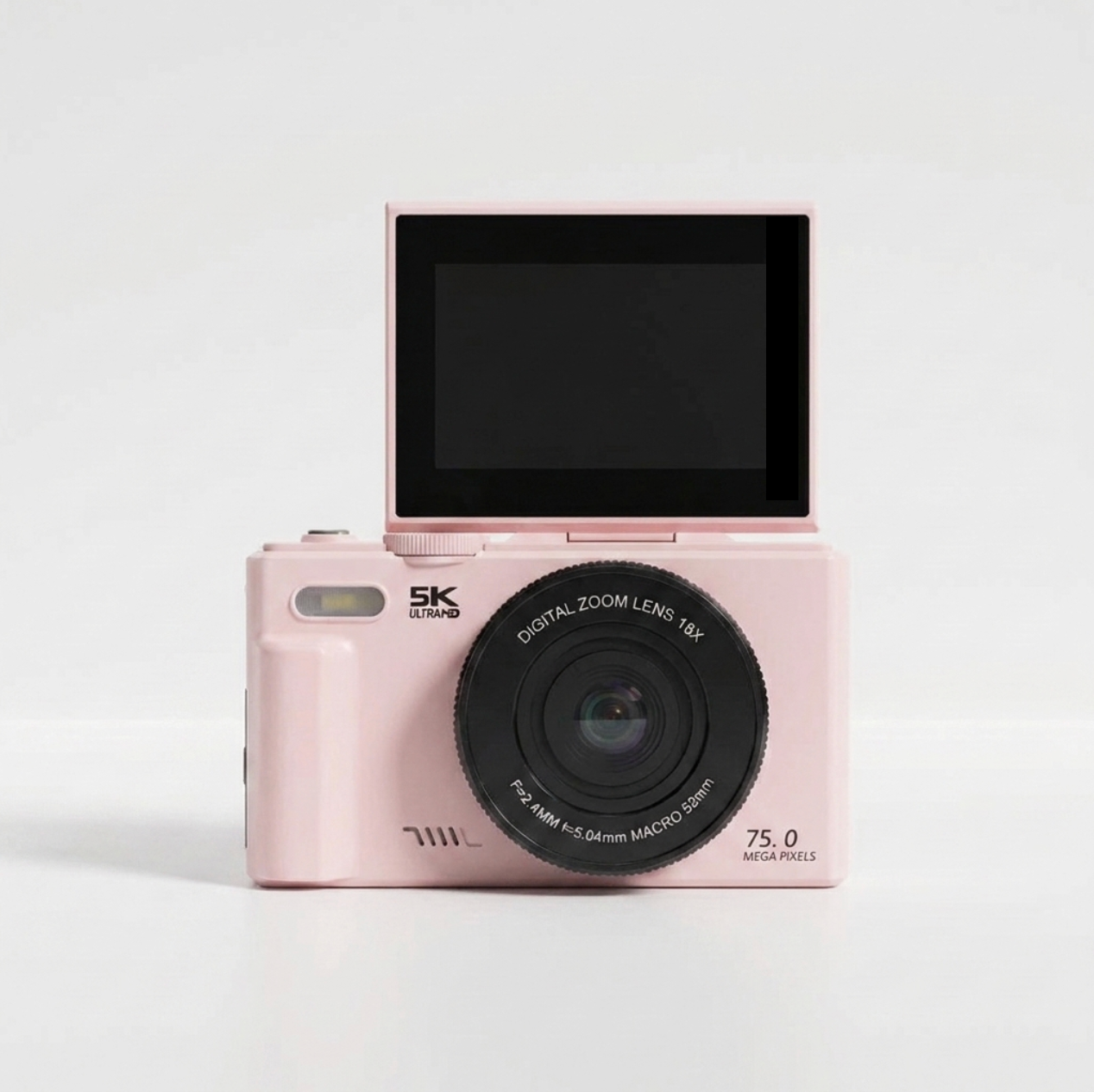
- 18x Zoom
- WiFi Instant Sharing
- 3 Inch screen
- Built in Flash
- Image Resolution: 75MP (maximum)
- Video Resolution: 5K (maximum)
- Autofocus: Supported
- Battery Type: Li ion battery, BL 5C, 1150mAh (battery built in)
- Holds TF Memory Card Up To 128GB - Not Included
Product information:
Fabrication: ABS & Electric Components
Features: Camera, Charging Cable, Lanyard, Instruction Manual, Cleaning Cloth
Dimensions:
- Length/Width: 4.7 inches (~12 cm)
- Height: 2.8 inches (~7 cm)
- Depth: 1.2 inches (~3 cm)
- Weight: 0.5 lbs (230g) without the battery.
6 BASIC FILTERS
-

Pixel Red
-

Pixel Yellow
-

Pixel Blue
-

B&W
-

Cool Tone
-

Warm Tone
FAQ
What's in the box?
What's in the box?
- Digital Compact Camera
- USB-C Charging Cable
- Wrist Strap
- Manual/Warranty
Do I need to use a memory card?
Do I need to use a memory card?
If you plan to store extra photos (199 - 5,000) we recommend using the 32GB Micro SD card that comes free with your purchase.
What's the camera resolution?
What's the camera resolution?
The camera captures photos at up to 75MP and shoots videos at up to 5K.
How to transfer photos/videos?
How to transfer photos/videos?
- Open the Menu: Turn on your camera and press the Menu button.
- Navigate to Settings: Use the right arrow key to move over to the Settings tab (usually represented by a gear or toolbox icon).
- Enable Wi-Fi: Scroll down until you find the Wi-Fi option. Select it and toggle it to "Turn On."
- Get the App: Two QR codes will appear on the camera screen.
- Scan the first QR code with your phone to download the required app.
- Once the app is installed, open it and select "Scan Connect."
- Connect to the Camera: Use the app to scan the second QR code on the camera screen. Your phone will prompt you to join the camera’s Wi-Fi network (it often looks like "5K_WIFI"). Tap "Join" or "Connect."
- Access Your Media: Once connected, tap "Enter Preview" on the app. You can then select the Picture/Album icon to view, select, and save your photos and videos directly to your phone's gallery.